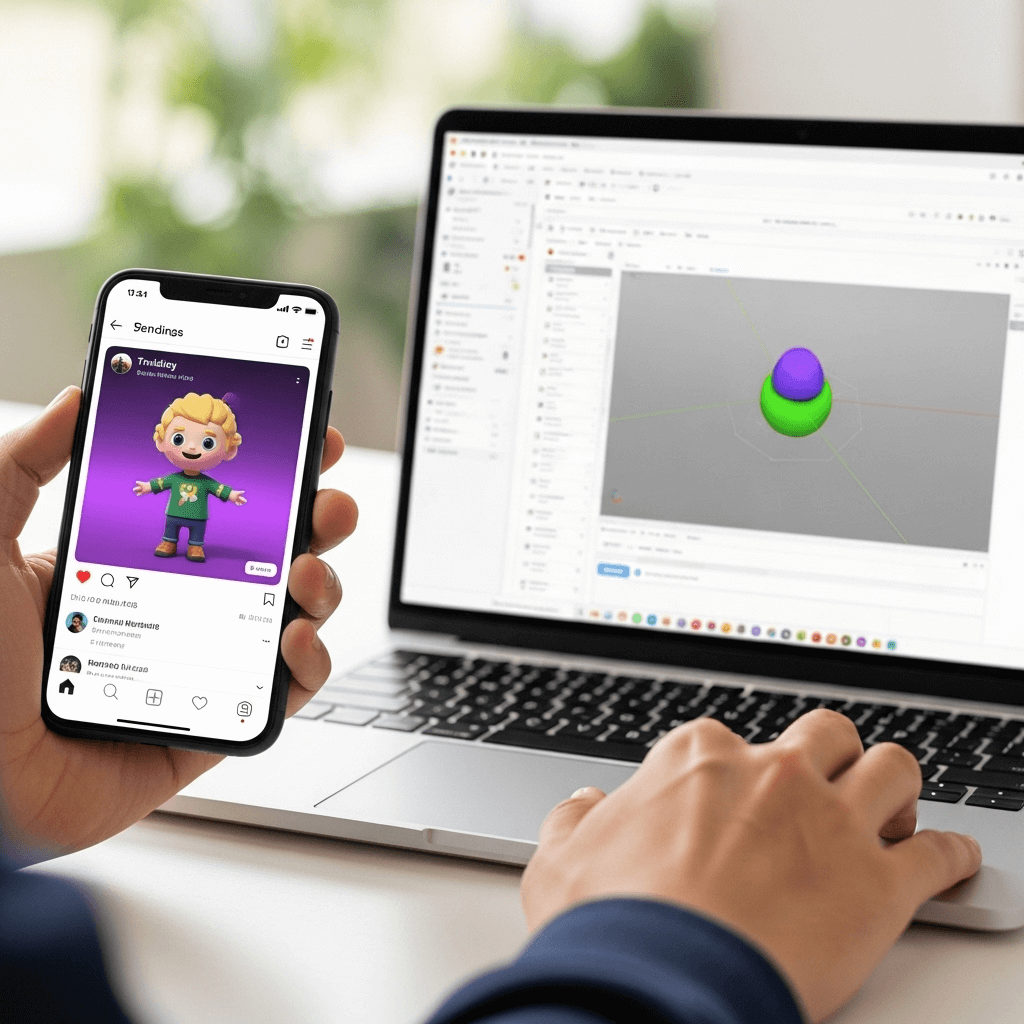
Viral 3D Model Trend: Create Free AI Avatars
The digital world constantly evolves, and social media often introduces captivating new trends. Recently, a fascinating phenomenon has captured everyone’s attention: the viral 3D model trend. People are creating stunning, personalized 3D avatars and action figures of themselves or their favorite characters using artificial intelligence. This engaging trend allows for incredible creativity and personal expression. Discover what this trend is all about and, furthermore, how you can easily create your very own for absolutely free!
Understanding the Viral 3D Model Trend
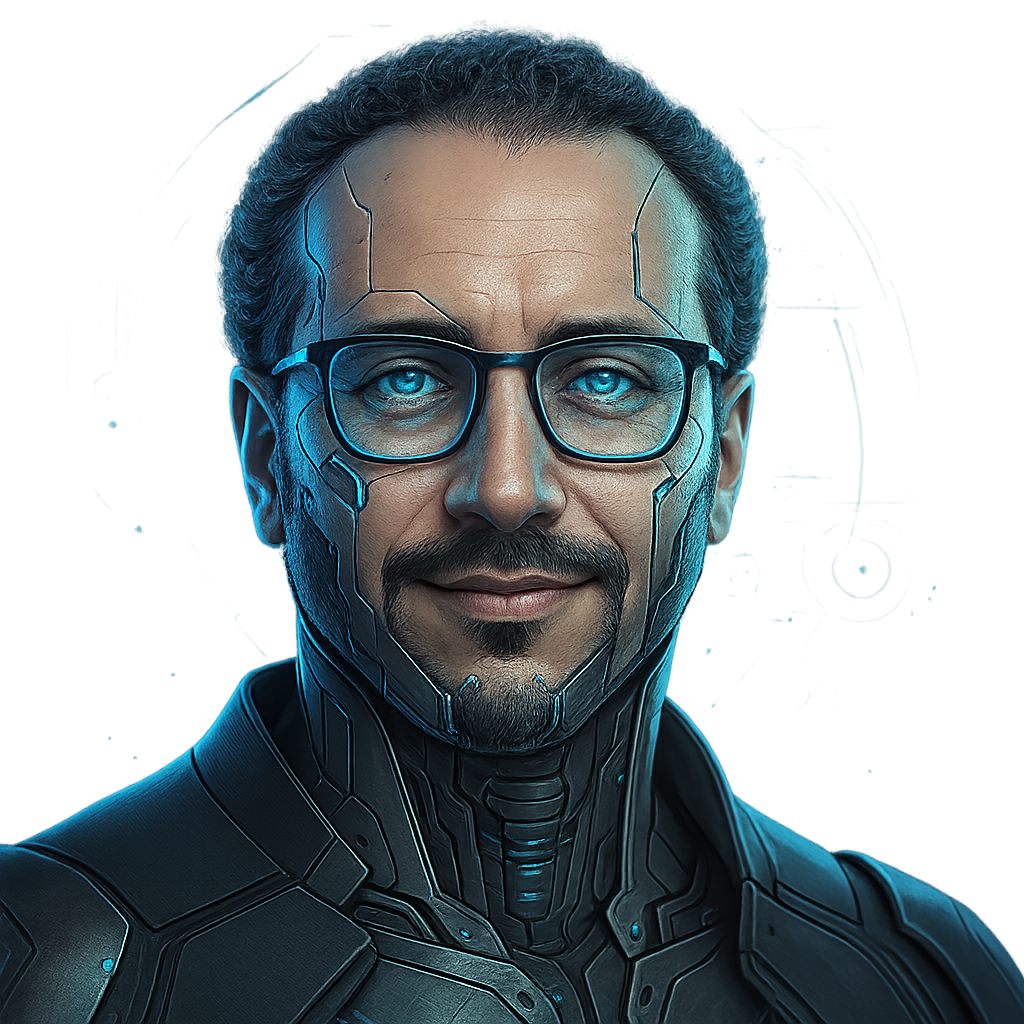
You’ve likely seen them pop up across your social media feeds: stylized, often playful, three-dimensional characters that look like they belong in a Pixar movie or an action figure collection. This is the essence of the viral 3D model trend, sometimes referred to as the AI action figure trend. Essentially, it involves generating detailed digital representations of individuals, pets, or fictional personas in various poses, outfits, and imaginative settings.
So, what fuels this widespread appeal? First and foremost, it offers a unique blend of personalization and creativity. Users love seeing themselves or their ideas brought to life in a fun, animated style. Moreover, it’s an accessible way to engage with advanced technology. Artificial intelligence, specifically advanced text-to-image generators, makes this trend possible. These powerful AI tools interpret written descriptions, known as “prompts,” and transform them into visual masterpieces. Consequently, you don’t need complex 3D modeling software or design skills; the AI handles the heavy lifting, opening up a world of digital artistry to everyone.
Create Your Own Viral 3D Model for Free
The exciting news is that you don’t need expensive software or a design degree to join the viral 3D model trend. Several tools allow you to generate these impressive images for free, and one of the most accessible and powerful is Microsoft’s Bing Image Creator. This tool, powered by OpenAI’s advanced DALL-E 3 model, offers high-quality image generation simply from text prompts. Here’s a step-by-step guide to creating your own:
Accessing Bing Image Creator
To begin, you will need a Microsoft account, which is free to set up if you don’t already have one. Afterwards, you have two primary ways to access the generator:
- Visit the dedicated website: Go directly to Bing.com/create.
- Use Microsoft Copilot: This AI assistant, formerly known as Bing Chat, also integrates the Image Creator directly into its interface.
Once you are on the site or in Copilot, sign in with your Microsoft account to gain full access to its features.
Crafting Effective Text Prompts
The key to generating a fantastic 3D model lies in your prompt. The more descriptive and specific your text, the better the AI can understand and visualize your idea. Therefore, think about every detail you want to include. Here are some crucial elements to consider:
- Style: Specify “3D animated character,” “action figure,” “Pixar style,” “Chibi style,” “anime 3D model,” or “claymation style.”
- Subject: Describe yourself, a friend, a fictional character, or even an animal. Include details like hair color, eye color, clothing style, and any accessories.
- Pose and Action: What is your character doing? “Standing proudly,” “running,” “sitting at a desk,” “waving,” or “holding a superhero pose.”
- Setting/Background: Where is your character? “In front of a futuristic cityscape,” “on a tropical beach,” “inside a cozy cafe,” or “against a minimalist pastel background.”
- Additional Details: Consider lighting, mood, color palette, or any specific textures. For instance, “soft studio lighting,” “vibrant colors,” or “metallic finish.”
For example, instead of just “a girl,” try something like: “3D animated character of a young woman with long wavy brown hair, wearing a vibrant yellow hoodie and blue jeans, sitting on a park bench, holding a cup of coffee, with autumn leaves falling in the background, Pixar style, highly detailed.” NDTV Profit also suggests specific prompts like “3D animated character, dressed in a blue hoodie, with a black backpack, standing in front of a futuristic city skyline, pixel art style, high detail.”
Generating and Downloading
After you type in your detailed prompt, simply click the “Create” button. The AI will then generate several image variations based on your description. Bing Image Creator provides “boosts” that speed up the generation process, but you can still create images even without them, though it might take a little longer. Review the generated images, and once you find one you like, you can easily download it to your device to share across your social media platforms.
The viral 3D model trend proves that cutting-edge AI technology is becoming increasingly accessible and enjoyable for everyone. By using free tools like Bing Image Creator, anyone can transform their creative visions into stunning digital avatars and share them with the world. So, don’t hesitate! Unleash your imagination, craft detailed prompts, and start creating your unique 3D models today. It’s a fantastic way to express yourself and participate in a fun, evolving digital culture.